You know that feeling when you need to find the house insurance policy number, but it’s buried in an email from three years ago? Or worse, it’s sitting in a shared folder on your computer, and your partner has no idea where to look because they don’t have access to that specific drive. Most of us treat our household documents like loose change-tossed into whatever drawer or digital folder is open at the moment.
For many families, the go-to fix for this chaos is a Shared Google Doc. It sounds logical on paper: one place for everything, accessible by everyone in the family. But relying on a standard cloud document for your mortgage statements, vehicle titles, and medical records is a recipe for headaches. It lacks real security, it doesn't control who sees what, and if the service changes its terms or goes down, your data is suddenly hard to reach. You need a system built for sensitive information, not just text editing.
The Illusion of Security in Standard Cloud Docs
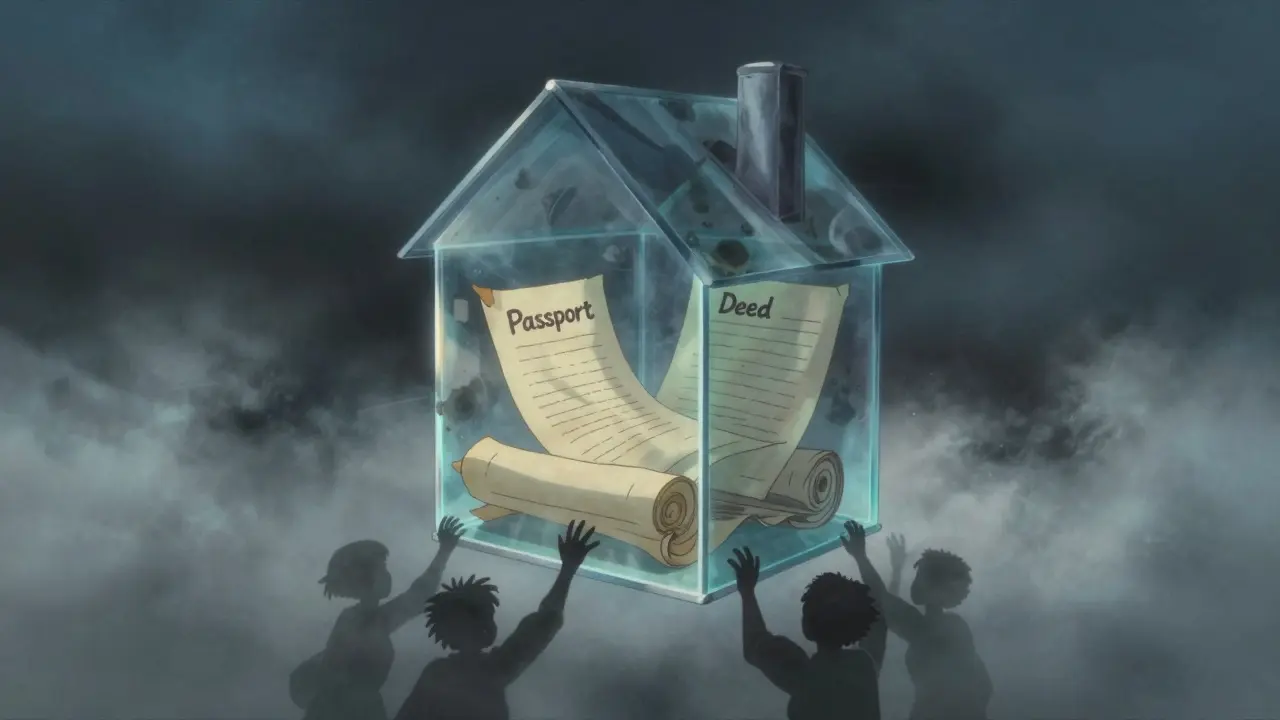
When you upload a scanned copy of your passport or your deed to a standard online document platform, you are trusting that company with the raw file. They hold the keys. This means their employees, their automated systems, and potentially hackers who breach their servers could theoretically view your private details. For casual notes or a grocery list, this is fine. For your financial identity, it is a significant risk.
A true digital vault is a secure storage solution that encrypts data before it ever leaves your device. The difference lies in how the encryption works. In a standard doc, the server decrypts the file so you can read it. In a zero-knowledge architecture, the file is locked on your phone or laptop using strong standards like AES-256-GCM. Only then is it uploaded. The provider never sees the content; they only store encrypted chunks of data that look like random noise to anyone without your specific key.
This approach ensures that even if the hosting infrastructure is compromised, your documents remain unreadable. It shifts the responsibility of security back to you, which is exactly where it should be for highly personal items.
Why "Everyone Can See Everything" Is a Bad Idea
Another major flaw with shared folders is the all-or-nothing access model. If you invite your spouse to a shared drive, they usually see every single file you’ve put there. You might want them to have access to the home insurance policy, but perhaps not the detailed breakdown of your investment portfolio or the login credentials for your bank accounts. There is no granular control.
Effective document management requires conditional access continuity is the ability to grant specific people access to specific files under conditions you define. Imagine you are going on a two-week trip and want your neighbor to have access to the garage code and the emergency contact list, but nothing else. With a standard shared doc, you’d either have to give them full access to everything (risky) or send them separate emails (messy). A proper vault allows you to share individual documents or folders with different people, setting precise boundaries on what they can view.
The Problem of Longevity and Control
We often forget that cloud services are businesses. They can change their pricing, alter their terms of service, or even shut down entirely. If your family’s critical papers are stored on a single corporate server, you are at the mercy of that company’s future decisions. What happens if they decide to scan all user documents for advertising purposes? What if they suspend your account due to a false flag?
This is where decentralized storage is a network-based approach to saving data across multiple independent nodes rather than a single central server becomes vital. Instead of storing your files on one company’s hard drive, advanced systems split your encrypted files into small pieces and distribute them across a global network. Technologies like Arweave provide permanent storage layers, while IPFS handles peer-to-peer distribution. This means your documents are not tied to the survival of a single app or company. Even if the interface changes, the underlying data remains intact and retrievable as long as you have your keys.
Furthermore, anchoring metadata on blockchains like Polygon provides an immutable record of when a document was stored and shared, adding a layer of verification that traditional databases cannot offer. This ensures that your important papers outlast any single software update or corporate merger.
Vaulternal: A Better Way to Organize Household Documents
If you are looking for a way to centralize your family’s paperwork without sacrificing privacy or control, Vaulternal is an encrypted vault storage service designed for personal and family document management offers a robust solution. Unlike a shared document editor, Vaulternal is built from the ground up as a secure repository. It uses client-side AES-256 encryption, meaning your files are chunked and integrity-hashed on your device before they are ever uploaded. The company cannot read your documents, nor can they recover them without your keys.
One of the most powerful features for families is the access trigger system. You can set up rules for when someone else can open specific documents. For example, you might grant your partner access to your vehicle title and registration if you become temporarily unreachable during a business trip. Or, you could set up a recurring share for a babysitter packet that includes household codes, emergency contacts, and pediatrician info, valid only for specific dates. These conditions can be changed or cancelled by you at any time before they trigger.
Because Vaulternal relies on distributed infrastructure-including Arweave for permanence and IPFS for distribution-your documents are safe from single-point failures. You are not renting space on a volatile server; you are securing your data in a resilient network. To see how this works in practice, you can explore how to keep your family documents organized and secure in a Vaulternal vault.
What Should Go Into Your Digital Household Binder?
Now that you understand the risks of unsecured sharing, it helps to know what actually belongs in your secure vault. Think of this as your digital household binder-a single source of truth for the things that matter.
- Identity Documents: Scans of passports, driver’s licenses, and birth certificates. Keep these encrypted and only share them when absolutely necessary for verification.
- Financial Records: Mortgage agreements, loan statements, and recent tax returns. These are needed for refinancing, emergencies, or audits.
- Insurance Policies: Homeowners, renters, auto, and life insurance policies. Note the policy numbers and insurer contact details clearly.
- Vehicle Titles and Registrations: Digital copies of ownership documents for cars, boats, or other titled assets.
- Medical Information: Vaccination records for kids, chronic condition summaries, and pharmacy lists. This is crucial for temporary caregivers or hospital visits.
- Emergency Contacts: A curated list of doctors, lawyers, accountants, and trusted neighbors.
Do not clutter this space with everyday receipts or casual photos. Keep it focused on high-value, low-frequency access items. Review this list once a year, perhaps during your annual tax preparation, to ensure everything is current.
Managing Access Without Compromising Privacy
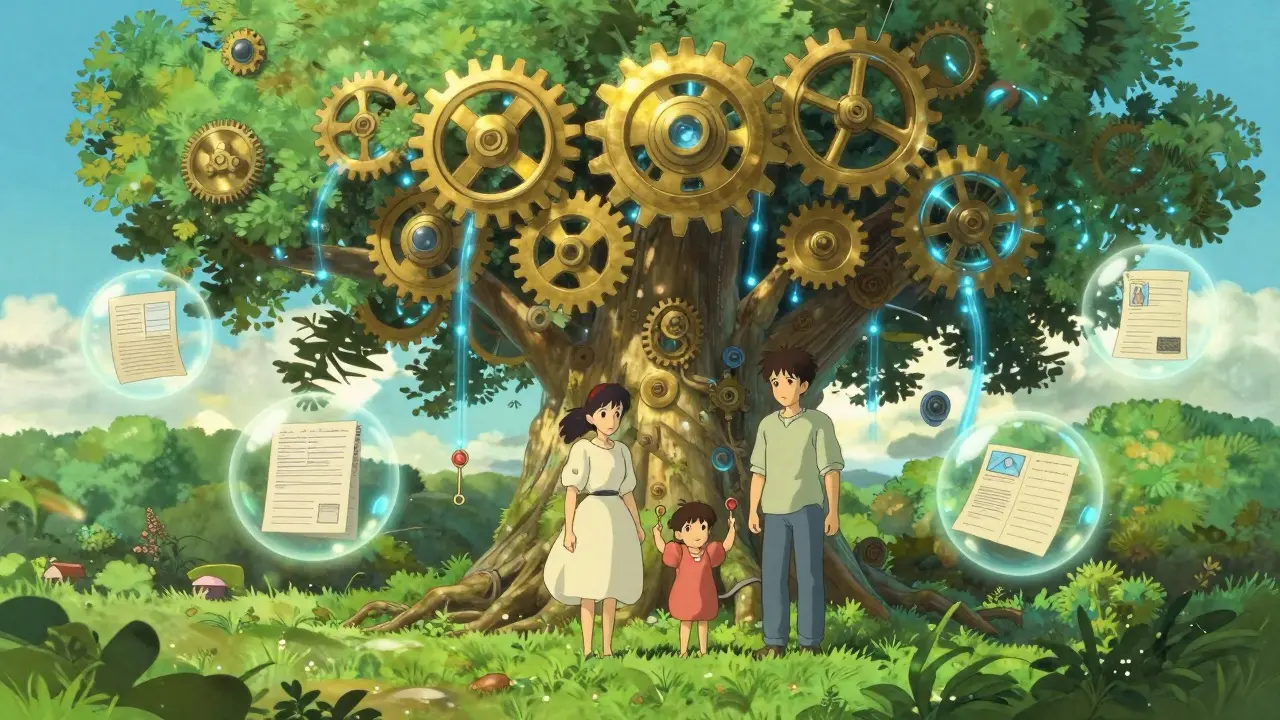
Sharing access doesn't mean giving away the master key. With a system like Vaulternal, you use multi-recipient sharing with per-recipient encrypted access keys. This means your partner gets a key that opens only the files you intended for them. They do not need technical knowledge to open these files; the process is designed to be simple for non-tech-savvy users.
Consider the scenario of a planned handover. Maybe you are taking a sabbatical and want a colleague to have access to certain project files, or you are traveling and want a family member to handle a property issue. You can set a time-based trigger. Once the date arrives, the recipient receives access. When the period ends, the access expires. This level of control is impossible with a standard shared folder, where revoking access often involves manually removing people from a group, hoping you didn't miss anyone.
Getting Started with Secure Document Storage
Moving your documents to a more secure environment doesn't have to be overwhelming. Start with the highest-risk items: your identity documents and financial contracts. Upload them to your new vault, ensuring they are encrypted locally first. Then, gradually add the rest of your household binder.
Vaulternal offers a Free plan with 2 GB of storage, which is plenty for starting your digital binder. No credit card is required to begin. If you find yourself needing more space for high-resolution scans or video evidence, the Starter ($8.33/mo billed annually) and Pro ($15/mo billed annually) plans provide unlimited storage. This tiered approach lets you test the waters without commitment.
Remember, the goal is not just to hide your papers, but to make them findable and accessible by the right people at the right time. By moving away from shared documents and toward a dedicated, encrypted, and decentralized solution, you protect your family’s privacy while ensuring that help is always within reach when you need it.
Is a shared Google Doc secure enough for my mortgage documents?
No, a shared Google Doc is not ideal for highly sensitive documents like mortgage statements. While convenient, standard cloud docs rely on the provider's security measures and allow broad access to anyone invited to the folder. They lack client-side encryption, meaning the provider can technically access the raw files. For sensitive financial records, a zero-knowledge encrypted vault is much safer.
What does "client-side encryption" mean for my documents?
Client-side encryption means your files are encrypted on your own device (phone or computer) before they are uploaded to the internet. The service provider only receives the encrypted, unreadable data. Only you, with your decryption key, can turn that data back into readable documents. This ensures that even if the service is hacked, your information remains private.
How does decentralized storage differ from regular cloud storage?
Regular cloud storage keeps your files on a single company's servers. Decentralized storage splits your encrypted files into small pieces and distributes them across a global network of independent nodes (using technologies like IPFS and Arweave). This makes the data more resilient to censorship, server failures, or the shutdown of a single company, ensuring your documents last longer.
Can I control who sees specific documents in a vault?
Yes, advanced vaults like Vaulternal offer conditional access continuity. You can grant specific people access to specific files based on triggers you set, such as a certain date, a period of inactivity, or manual approval. This allows you to share only what is necessary, when it is necessary, without giving full access to your entire library.
What should I include in my digital household binder?
Your digital household binder should contain high-value, low-frequency access items. Key documents include identity proofs (passports, IDs), financial records (mortgage, loans), insurance policies, vehicle titles, medical summaries, and emergency contact lists. Avoid cluttering it with everyday receipts or casual media to keep it organized and easy to navigate in an emergency.